Event organizerToolkit
Use the pieces of SDLCAI that fit your event. Print a set of name badges, run a check-in desk or give your speakers a place to submit their talks.
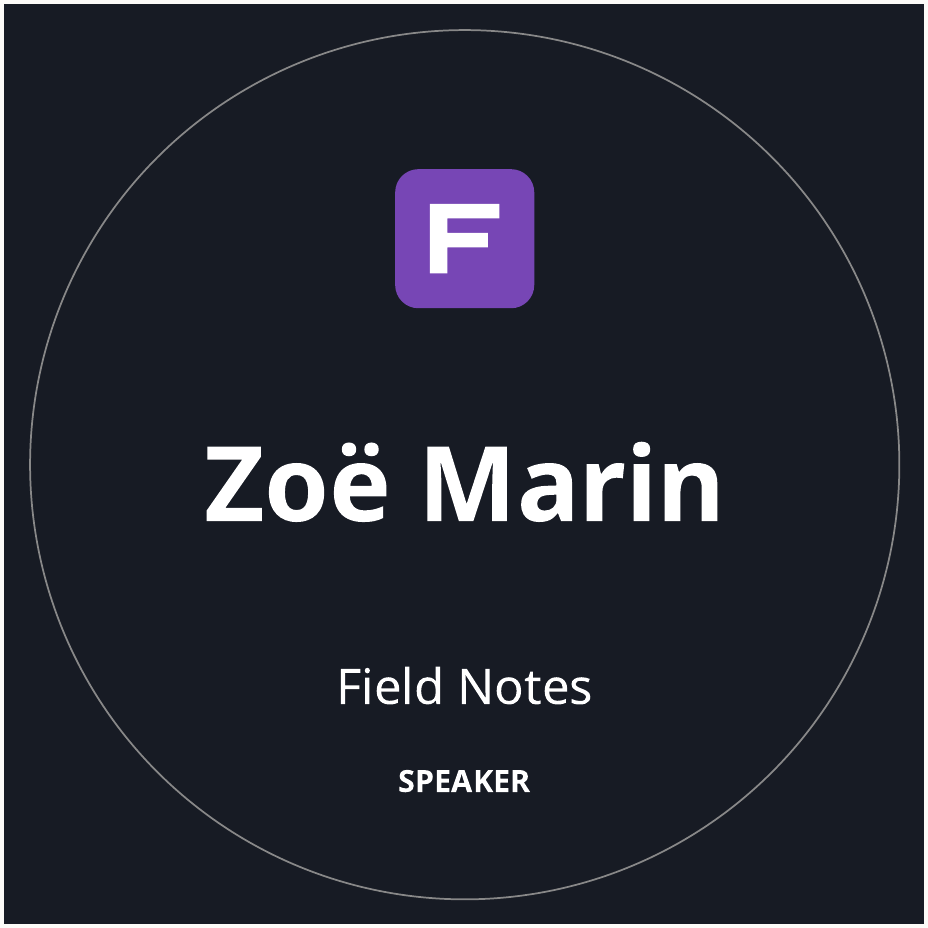
Print your first badge
Try a fictional roster on your own computer. You need Node.js 24 and Chromium for the print renderer.
- Download the source ZIP
for version 0.1.0. Unzip it and open a terminal in the directory
containing the root
package.json. -
Install the dependencies and start the browser workspace with the
badge block enabled.
npm ci npx playwright install chromium export TOOLKIT_BLOCKS=badges npm run dev -w @sdlcai/event-toolkit - Open the private organizer link printed in the terminal. Choose Print name badges, select the PDF export action and click Use example. Edit a name and run the export. The toolkit checks every row before offering Download badges.pdf.
The 19 blocks
Choose a task below. Use its block ID in TOOLKIT_BLOCKS to
enable it. Combine IDs with commas, such as
registration-import,check-in, to go
from a ticket CSV to an arrivals desk.
Registration and the venue
- Registration import
registration-import - Turn a Tito, Webropol or custom CSV into a roster with stable ticket identifiers.
- Check-in desk
check-in - Give desk staff access to look up a ticket, record an arrival or undo a check-in.
- Name badges
badges - Preview each badge, check that every name fits and export the print PDF.
- Lanyard orders
lanyards - Count lanyards by role and color, including the spares you want to order.
- Venue signs
venue-signs - Print directions and signs that link guests to the programme.
- Table tents
table-tents - Lay out folded table cards with a label visible from either side.
Speakers and programme
- Poster proposals
poster-proposals - Open a call, collect consent, review submissions and export accepted presenters.
- Speaker workspace
speaker-workspace - Invite speakers to submit talk copy and approve which PDFs can be shared.
- Programme feed
programme-feed - Check that speakers and sessions match, then export a public feed.
- Event schedule
schedule - Turn programme data into an agenda or venue screen in the event’s time zone.
- Talk graphics
talk-graphics - Generate a branded PNG for a speaker or session.
People and hospitality
- Organizer directory
organizer-directory - Arrange team profiles and choose which ones visitors can see.
- Dinner invitations
dinner-rsvps - Collect individual replies and hand over meal counts without guest names.
- Catering brief
catering - Combine attendance and dietary requirements into a brief for the caterer.
Audience and communications
- Audience Q&A
audience-qa - Take questions and votes, moderate submissions and put a question on the stage screen.
- Event feedback
event-feedback - Publish a survey, collect responses and report the results.
- Attendee messages
attendee-messages - Preview an email for eligible event contacts, send it and check delivery outcomes.
- Newsletter
newsletter - Confirm email subscriptions and track withdrawals across events.
- Publication queue
publication-queue - Review channel copy and assets, schedule a post and record its published URL.
Use it in your own workflow
The browser, AI assistants and your application can call the same 80 operations. Each sees the blocks and actions enabled for its role.
Connect an AI assistant
In a client that supports the Model Context Protocol (MCP),
configure a stdio server. Use Node as the command and the absolute
path to the built checkout’s toolkit/cli.mjs followed
by mcp as the arguments.
For badge preparation, enable
registration-import,badges,lanyards in the client’s environment. Ask your assistant to read
event-toolkit://catalog for the
available tools, input schemas and examples.
“Import this ticket CSV, check that every name fits on a badge and count lanyards by color. Include ten spare attendee lanyards.”Copy the MCP client configuration
Call it from TypeScript
Install the package from its tarball in your application. The operation name selects its input and result types. This example orders one speaker lanyard and two attendee spares.
import { createToolkit } from "@sdlcai/event-toolkit";

const kit = createToolkit({ enabled: ["lanyards"] });
try {
  const order = await kit.run("lanyards_count", {
    people: [{ role: "speaker" }],
    spares: [{ role: "attendee", count: 2 }],
  });
  console.log(order.total); // 3
} finally {
  await kit.close();
}Host it for your event
The reference host runs on Node.js with SQLite. Print tools work from the data you supply. For workflows such as check-in, give the UI and MCP server the same event ID and persistent data directory so both can see an arrival as soon as it is recorded.
Bring your own storage, email and form verification through adapters. Cloudflare D1 is an option for the organizer directory. The reference host can run on your own server.
Version 0.1.0 is distributed as a tarball. Its software license is
currently marked UNLICENSED.